Dashboard Feedback
About the Dashboard table
Usage vs. Benchmark
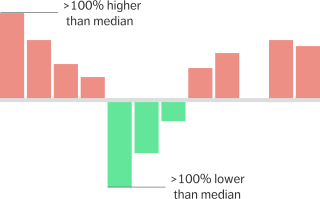
Compare your properties against similar properties in the Comply database. This graph visualizes the difference between each property and the median usage in similar buildings. Buildings are grouped based on location, size, and heating/hot water fuel.
Sort this column to identify opportunities for improvement, as well as top performers. Larger and more consistent red bars indicate greater deviation from the median, and greater opportunity for savings.
Normalized Consumption
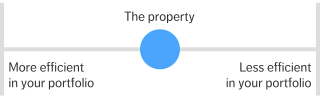
Compare your properties against one another using normalized consumption as an internal benchmark. On this graph a blue dot represents each property’s position within your portfolio. The most efficient properties are on the left, and the least efficient on the right.
Sort this column to identify best and worst performers, and use the slider graph as a reference for relative efficiency when sorting by other columns.
YoY Deviation
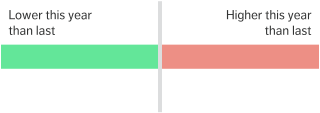
Compare each property against its historical performance. The YoY graph visualizes the variance between the current time period and the year prior.
Sort this column to identify success stories and problem areas by identifying those properties that have changed the most in the last year.